Interactively triage milestone review issues, chat with Morph, and re-run reviews
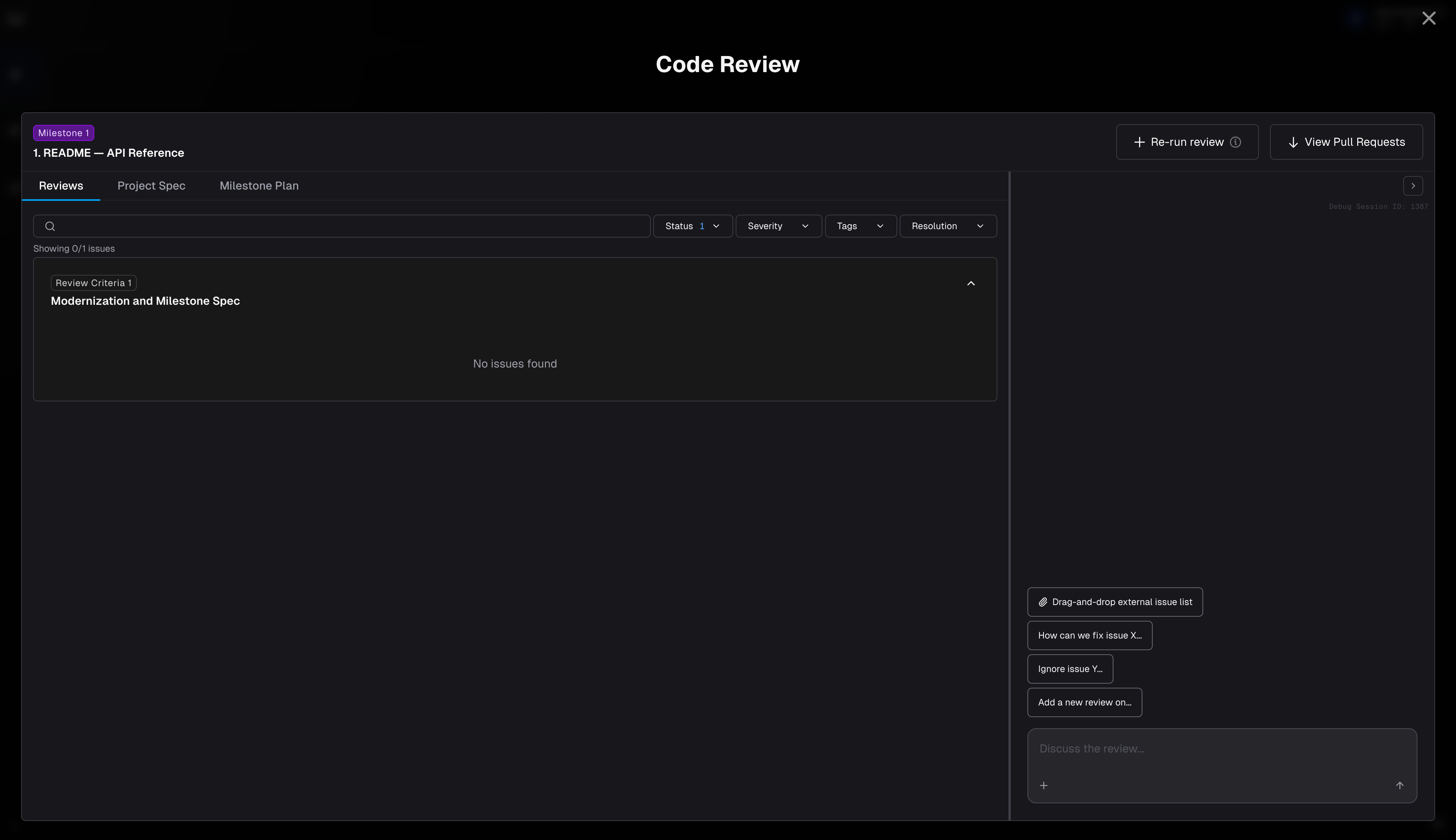
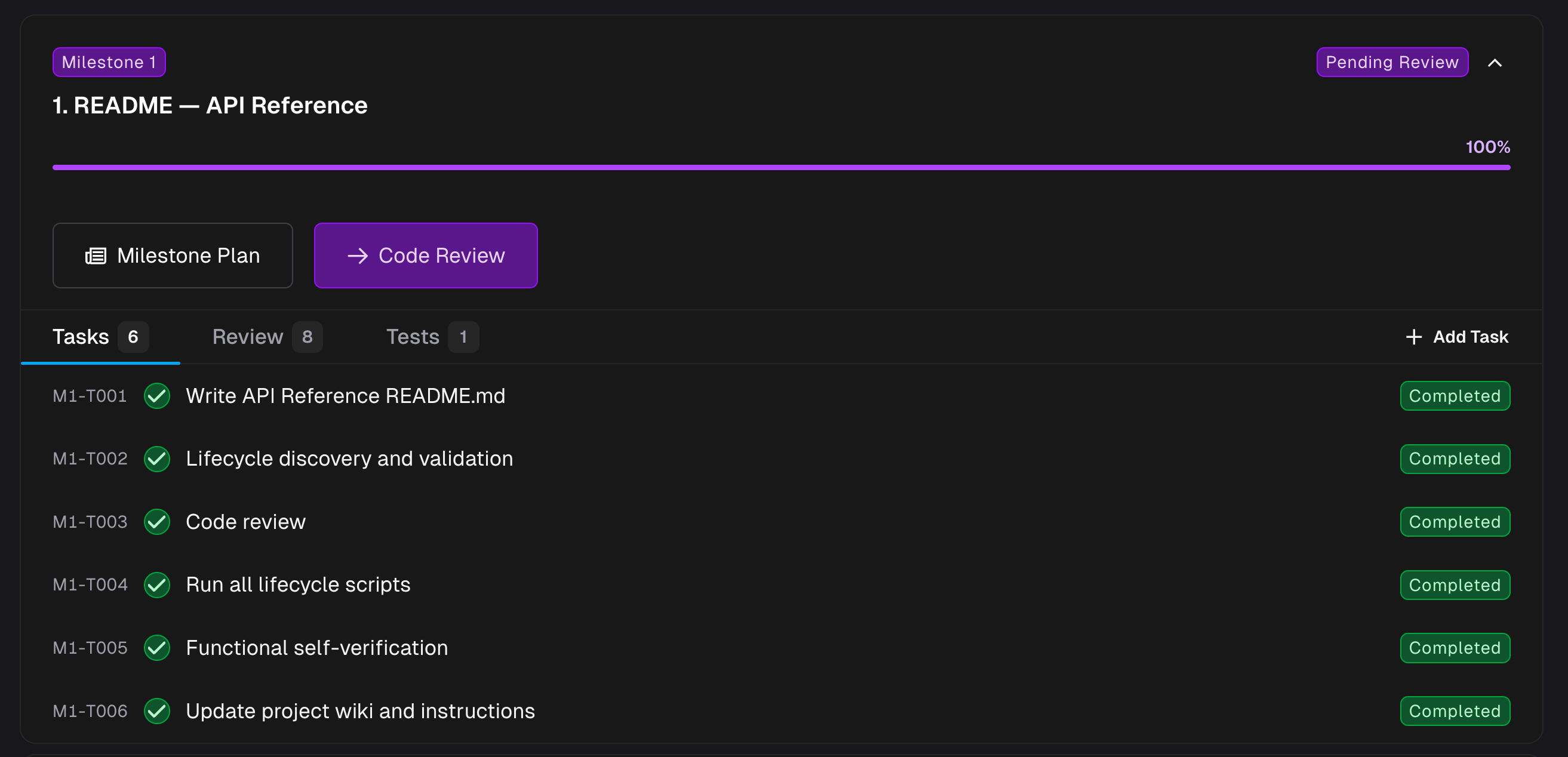
Code Review is where users can review the work has done on a milestone. You open it from the Roadmap: once a milestone is complete, click Code Review to open this drawer.
Interactive hub for milestone review issues. Every review issue surfaced for the milestone lives in Code Review, with filters for status, severity, tags, and resolution, and the option to group issues by severity, status, source, size, or tags.
Chat with Morph to take action. Ask Morph to resolve open issues, create new ones, re-run the review, or add your own review criteria — all from the chat panel on the right.
One view across every repo in the milestone. The Code Review drawer combines issues across all repositories in the milestone. When you want to inspect the underlying diff, use View Pull Requests to open the individual PRs externally.
Effort estimates at a glance. Issues the review agent has sized carry a T-shirt-size badge (XS–XL) on the card; hover it to see the estimated effort. Larger estimates use warmer colors.
Provide a secret when asked. If the agent needs a credential to make or verify a change (for example, an API key to run a test), it asks with a Provide Secret card rather than in the chat box. The value is encrypted immediately and is never shown to the agent or written into the transcript. See Providing secrets.
Resolve an open issue — ask Morph to fix it, or mark it resolved after a manual change.
Create a new issue — flag something the review missed. You can even drag-and-drop external documents to import issues in bulk.
Re-run the review — use the Re-run review button after code changes or new criteria.
Tag an issue — click Tags on any issue card to open the tag picker. Toggle tags from your project’s catalog on or off, or type a new name and choose Create “<name>” to add it to the catalog and apply it in one step. Tags show as chips on the issue row and work with the tags filter and grouping in the toolbar.
Run the frontend tests — on projects with a frontend, ask the chat to run or re-run the milestone’s frontend (Playwright) test suite — for example, after it fixes a UI bug. The run takes a few minutes to build and boot the app; when it finishes, pass/fail results and screenshots refresh in the Validation tab and the milestone’s Functional Testing view — no reload needed.
Alongside the issues list, the drawer’s Validation tab shows this review’s own test results, scoped to the exact run under review — API/CLI, UI Tests (Playwright), QA Agent (agent browsing captures), and Lifecycle. Each row has a Discuss action that pulls that result into the chat as context. See the Validation Hub for the project-wide view.
Multiple team members can review the same milestone simultaneously. Each reviewer gets their own independent review chat session, so conversations and issue triaging don’t collide.
When you open Code Review for a milestone, creates (or resumes) a review session scoped to your user. Your teammate opening the same milestone gets their own session.
Each session has its own chat history, issue resolutions, and context. You can work through different issues at your own pace without blocking each other.
Proactive peer sync: When one reviewer resolves an issue or the agent applies a fix, propagates the change to other active reviewers’ workspaces so everyone sees the latest code state.
Only one user can actively chat with on a given milestone at a time. If a teammate is currently in an active chat session, you’ll see a message indicating who is using it. Once they finish (or their session times out after inactivity), the session unlocks and you can start yours.This ensures the agent isn’t receiving conflicting instructions from multiple users simultaneously while still allowing parallel review of issues and code.
Coordinate with your team on who is triaging which issues. Each reviewer can focus on different parts of the milestone — one person on backend logic, another on test coverage — and keeps the workspace in sync.
Use New chat (or Start over) in the chat panel to reset your review session. This clears the current chat history and creates a fresh session — useful when you want to re-approach the review from scratch or after significant code changes. The review issues themselves are not deleted; only the chat conversation resets.
Code Review chat is exempt from the daemon pool execution capacity gate. You can open a review chat session even when all workers in the pool are busy with milestone or ad-hoc executions.However, actions that trigger non-chat work — such as Re-run review or approving a milestone from within the review — are still subject to pool capacity. If all workers are busy, those actions are blocked until a worker frees up.
When all milestones in a project are complete, surfaces a Final Code Delivery review. This is a separate review surface that works on the project feature branch rather than an individual milestone branch. All milestone work is bundled into one pull request per repository, and any change you make in this chat shows up in those PRs right away.What you can do in Final Code Delivery:
Get a walkthrough of what changed across the whole modernization
Request a last-mile change (for example, updating the README to match the new build command)
Ask why a service still calls a legacy endpoint
Drag and drop a list of issues to be fixed
Use this chat for small, last-mile fixes. Larger refactors should go through an ad-hoc milestone so they get a proper plan, validation, and review.Merging: Final Code Delivery PRs must be merged on the external PR page (GitHub, GitLab, or Azure DevOps) — there is no in-app merge for final delivery.
If you open Code Review for a milestone and see a Rebase Required state, a sibling milestone was merged and this milestone’s branch needs to incorporate those changes before it can proceed. See Milestone Shows “Rebase Required” for resolution steps.
After a rebase completes, a Rebase Report tab appears in Code Review with a summary of what was brought in from the merged sibling milestone and how it was reconciled with this milestone’s work.It is worth a look before you merge. A rebase is the one point where code you already reviewed can change underneath you, and the report is where you see what moved — rather than inferring it from the diff.The report is also given to the review agent as context, so you can ask about it directly in chat.
Assistant
Responses are generated using AI and may contain mistakes.