

- Changes are progressive. Milestones declare dependencies on one another. Independent milestones can run in parallel, while dependent milestones wait until their prerequisites are merged. You catch issues early, before they compound, and the codebase stays working after each step.
- You stay in control. Every milestone produces a PR. You review it, run your own tests, and merge when satisfied. Nothing is merged without your approval.
- Grouping is logical. Milestones aren’t random file splits. Related files are migrated together, dependencies are respected, and each milestone makes sense as a standalone change.
- Parallel where possible. When milestones are independent (no shared file dependencies), they can execute simultaneously — shortening overall delivery time without sacrificing PR review boundaries.
What You See
When you open a project, the roadmap shows a vertical list of milestone cards: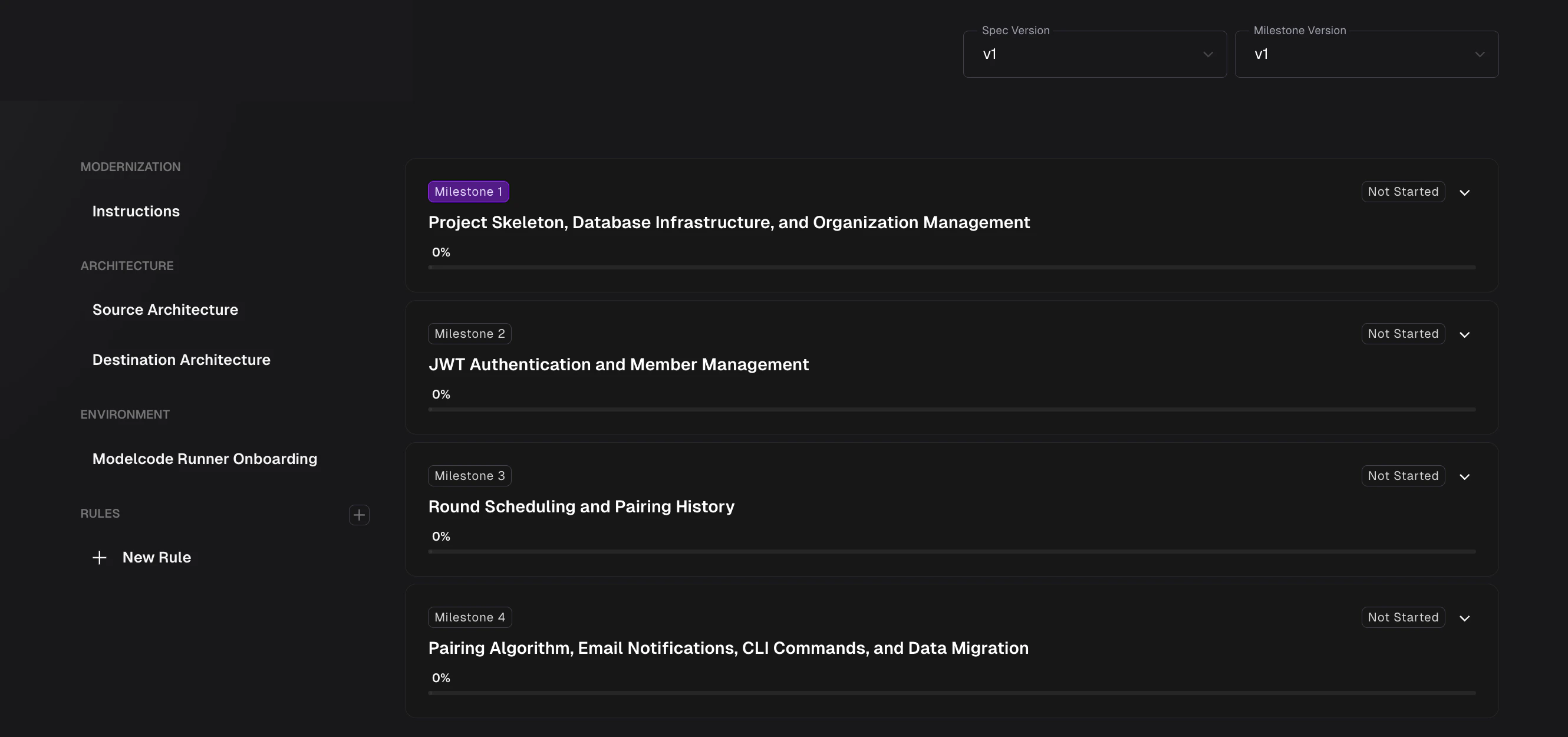
- Milestone number and title (e.g., “M1: Project Foundation & Static Files”)
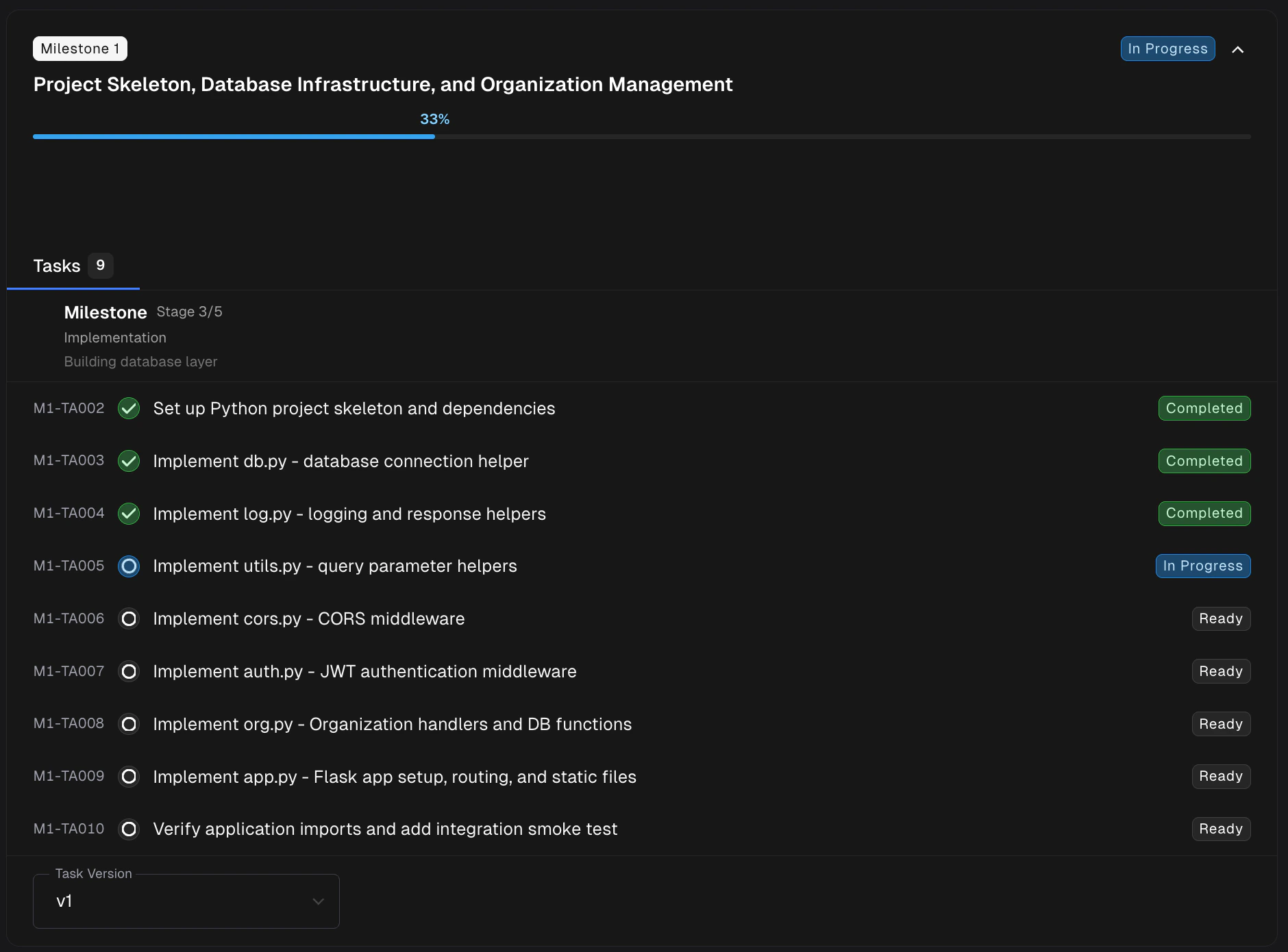
- Progress bar showing how many tasks are complete out of the total. As tasks finish, the bar fills in and the percentage updates so you can tell at a glance how far along each milestone is.
- Status badge indicating where the milestone is in its lifecycle (Not Started, In Progress, Pending Review, Merged, etc.)
- Validation level pill — a small indicator showing the effective validation level applied to the milestone (Low, Mid, or High)
- Test summary (after execution) — Per-repo functional test results showing passed/total counts for backend tests and test counts for frontend tests, with comparison indicators when origin data is available
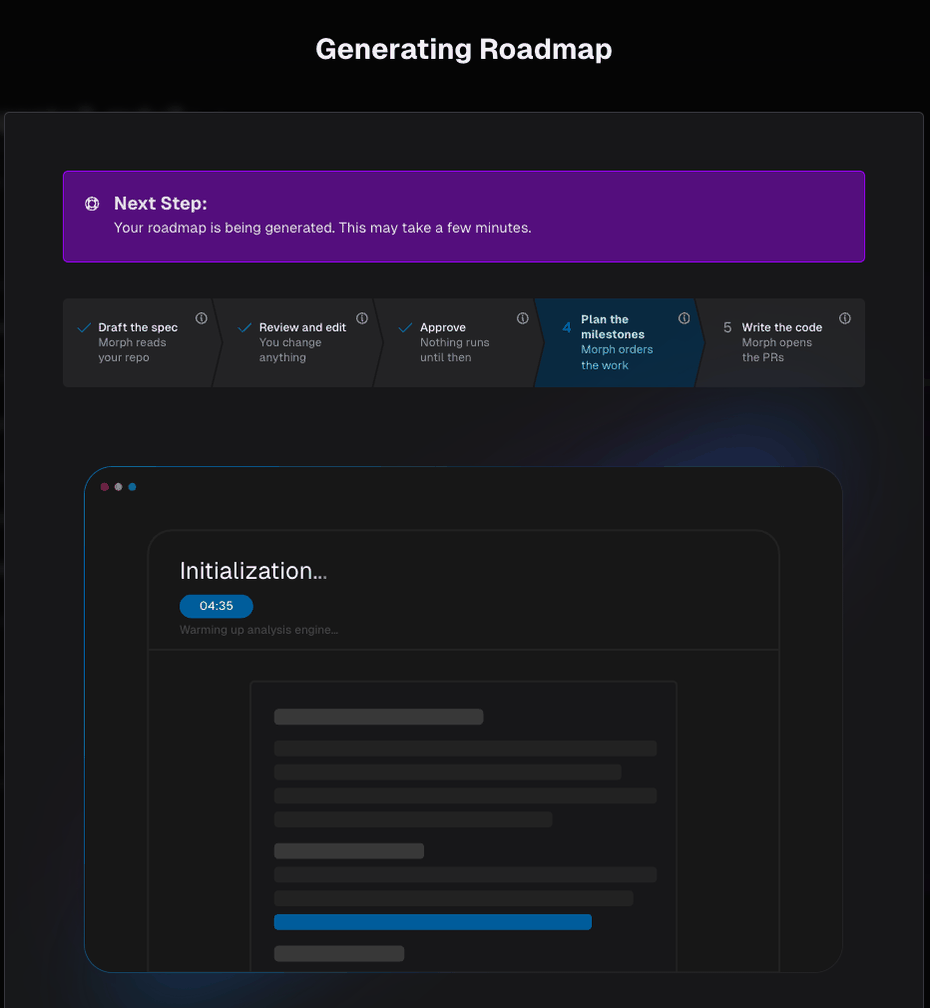
Generating the roadmap takes a few minutes, and the progress view shows where you are in the wider flow — the spec drafted and approved, the milestones being planned, the code still to come.
The Milestone Cycle
Every milestone follows the same pattern:- Review the milestone plan. Check the relevant files, test files, and description. Edit anything that doesn’t look right.
- Approve & Start to kick off the agent. It plans the tasks, executes them one by one, and commits code after each.
- Review the Pull Request when the agent finishes. Morph creates a PR automatically.
- Merge when you’re satisfied with the changes.
Milestones
The full walkthrough: the milestone lifecycle, statuses, task dependencies, and tips
Related Docs
Milestones
The milestone lifecycle, statuses, and task dependencies
Reviewing Pull Requests
Best practices for PR review
Editing Milestones
Adjust plans before approving
Validation Hub
Verify behavior with auto-generated tests
Creating Rules
Encode preferences for better results
Lifecycle Setup
Configure how your project builds and runs
Validation Level
Control how deeply each milestone is validated